01
Deterministic renders
Chromium launched with Remotion-style flags: sRGB colors, no font hinting, identical output on every run.
Open-source · Local-first · Pixel-exact
Describe each screen once as a React component. Lshoot renders every Apple and Google format, in every language you declare, into ready-to-upload PNGs. No Figma, no cloud, no account.
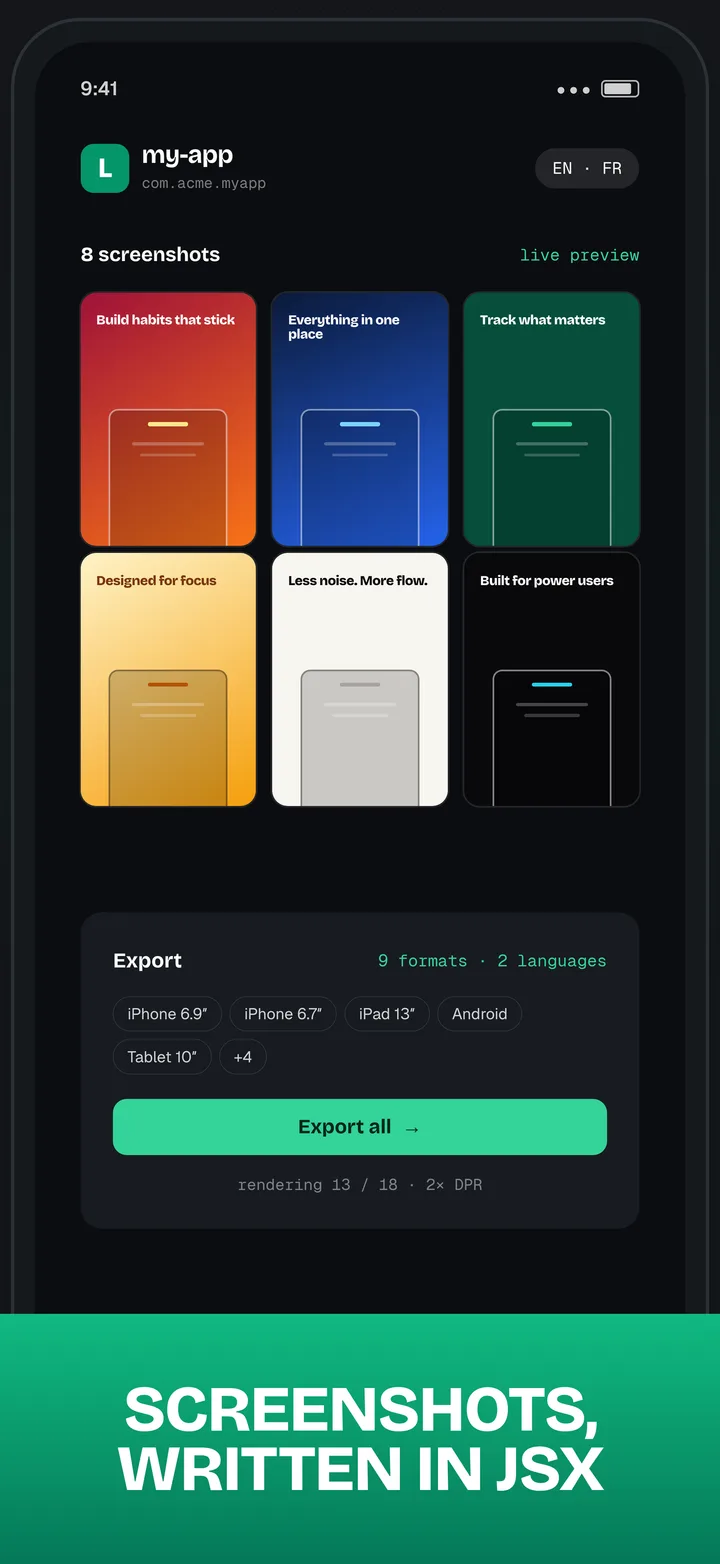
// Lshoot's own App Store screenshot
export default function Jsx() {
  return (
    <LshootLayout
      headline="Screenshots, written in JSX"
      screen={<StudioMockup />}
    />
  );
}
Real exports
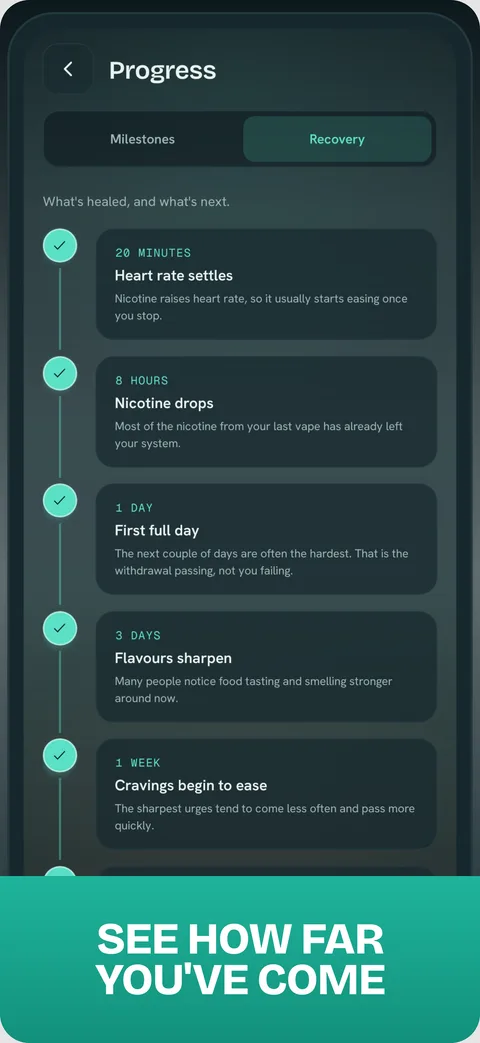
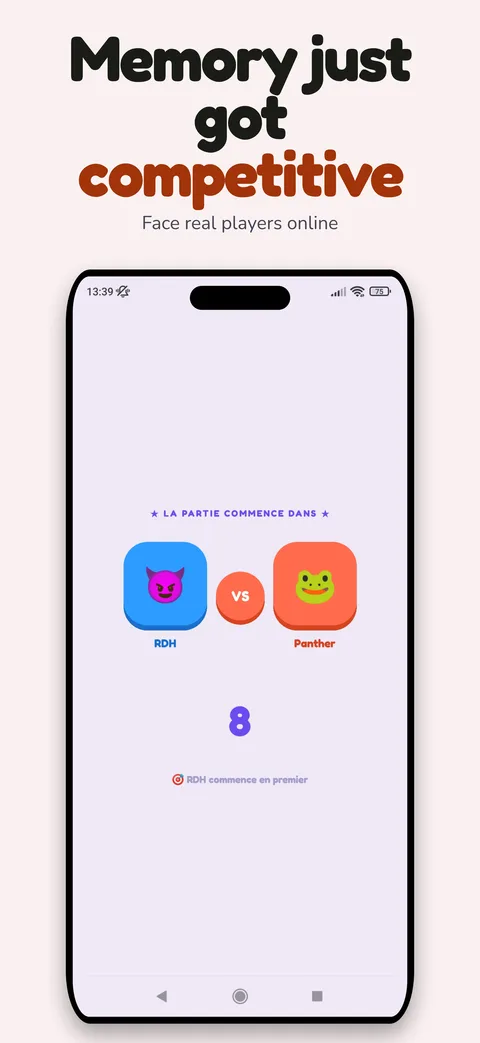
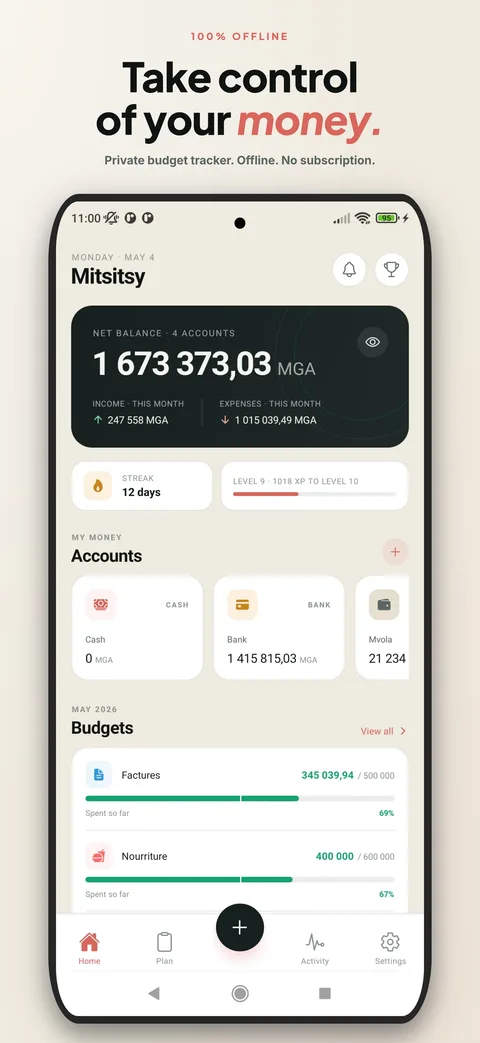
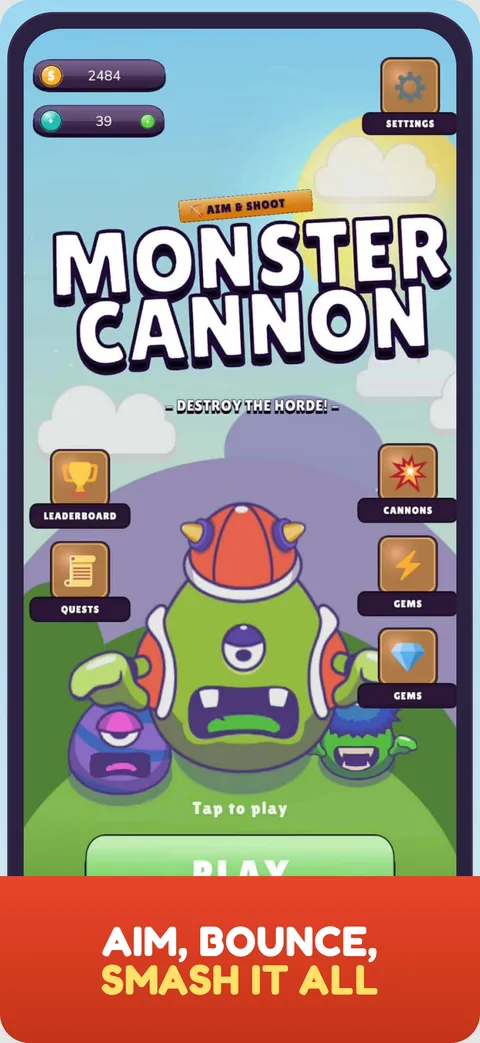
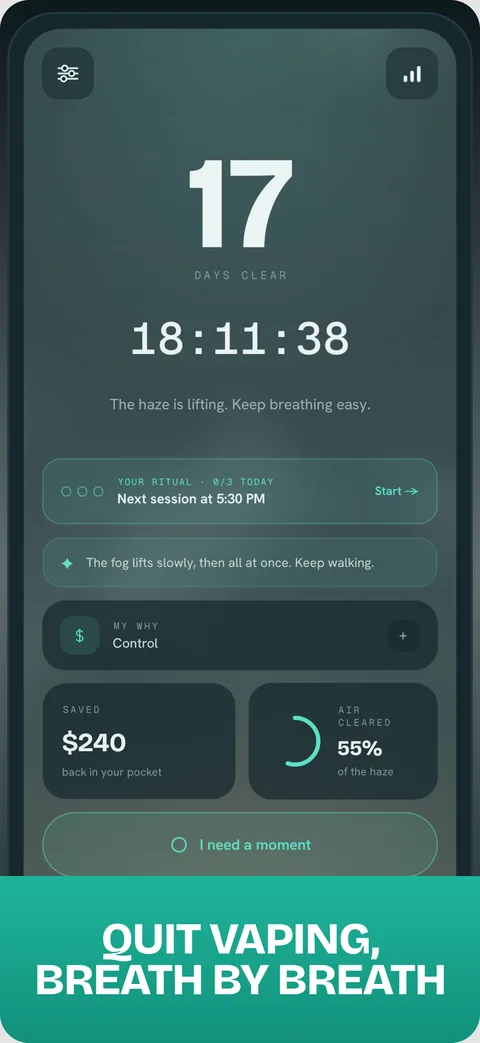
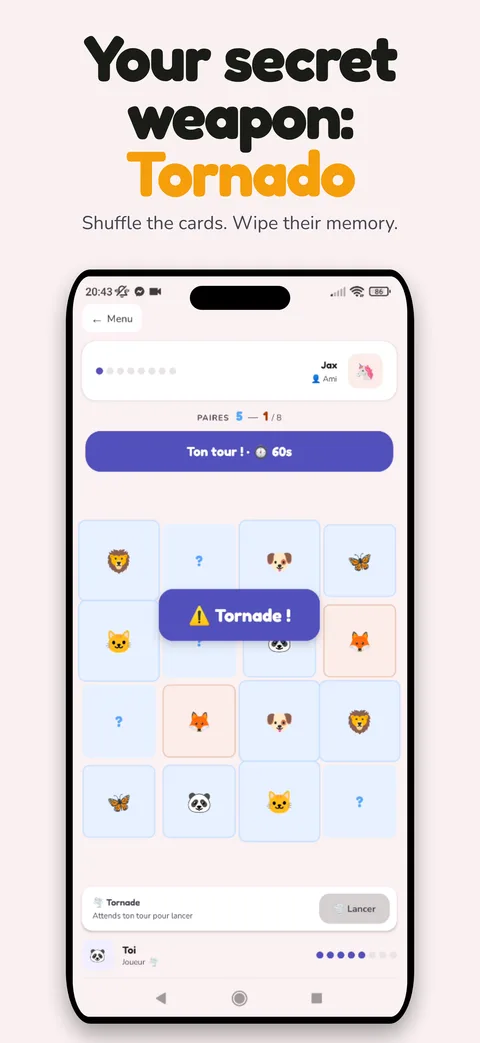
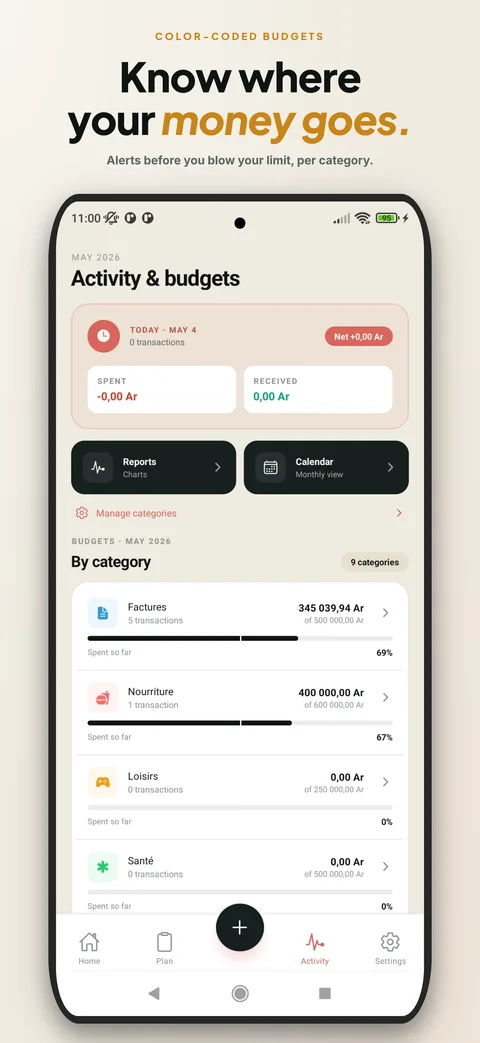
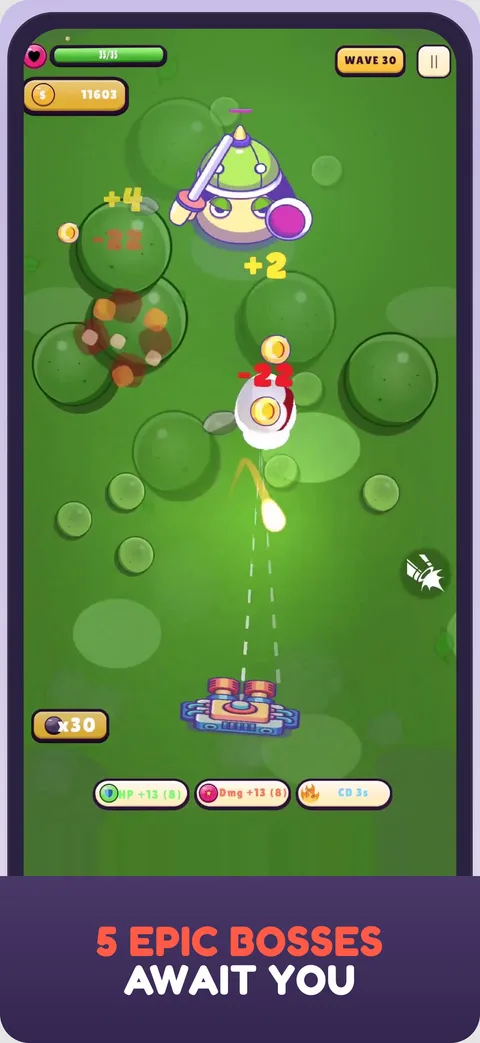
Straight out of exports/, iPhone 6.9″ format. Chromium at 2× DPR, downsampled with Lanczos3 by Sharp. Two games, a finance app, a wellness app, and Lshoot itself — same pipeline.
Workflow
Screenshots live next to your code. Change a headline, re-export, ship. No design tool round-trips, no resizing by hand.
npx lshoot my-app clones the repo, swaps the marketing landing for your own dashboard, and installs dependencies.
npx lshoot my-appA folder in projects/ with a config.json: name, bundleId, languages. It shows up in the dashboard instantly.
projects/my-app/config.jsonOne TSX file per screenshot, built from @/components/aso. Or hand an ASO brief to Claude Code and let the bundled skill write them.
screenshots/01-hero.tsxDrag simulator or emulator screenshots into the dashboard. Reference them inside a rounded phone frame with <AppMockup />.
<AppMockup src="/api/assets/my-app/home.png" />Pick screenshots, formats and languages. Puppeteer renders, Sharp downsamples. The output folder is App Store Connect and Play Console ready.
exports/my-app/en/appstore/iphone-6.9/What's inside
Next.js, Tailwind, Puppeteer and Sharp. Nothing proprietary, nothing hosted. Fork it, bend it, keep it.
01
Chromium launched with Remotion-style flags: sRGB colors, no font hinting, identical output on every run.
02
iPhone 6.9″, 6.7″, 6.5″, 5.5″, iPad 13″ and 12.9″, Android phone, tablet 7″ and 10″. One click covers all of them.
03
Declare languages in config.json, ship one dictionary, get one export folder per locale.
04
A clean bezel with no notch is the default mockup. iPhone, Android and iPad frames stay one prop away.
05
Hero, Device Center, Split, Tilted 3D, Minimalist, Floating UI, Dark SaaS, Call to Action. Copy, restyle, ship.
06
Point the bundled new-aso-project skill at a brief and get a full project scaffolded with copy and layouts.
The CLI clones Lshoot, gives you a personal dashboard as home page and wipes the upstream history. The repo is yours from the first commit.